7 Visualization in the browser
It is possible to display XML directly in the browser by adding a CSS stylesheet to the XML document.
Download the CSS file visualize-tei-xml.css and add it to the same location where you saved your encoded sonnet.
Add at the beginning of the XML document, just above the root element <TEI>, the following instruction (which tells the XML where to find the CSS). You must have the XML file and the CSS file in the same folder.
<?xml-stylesheet type="text/css" href="visualize-tei-xml.css"?>Browser: open the XML file in your browser (dragging/dropping it into the browser may help).
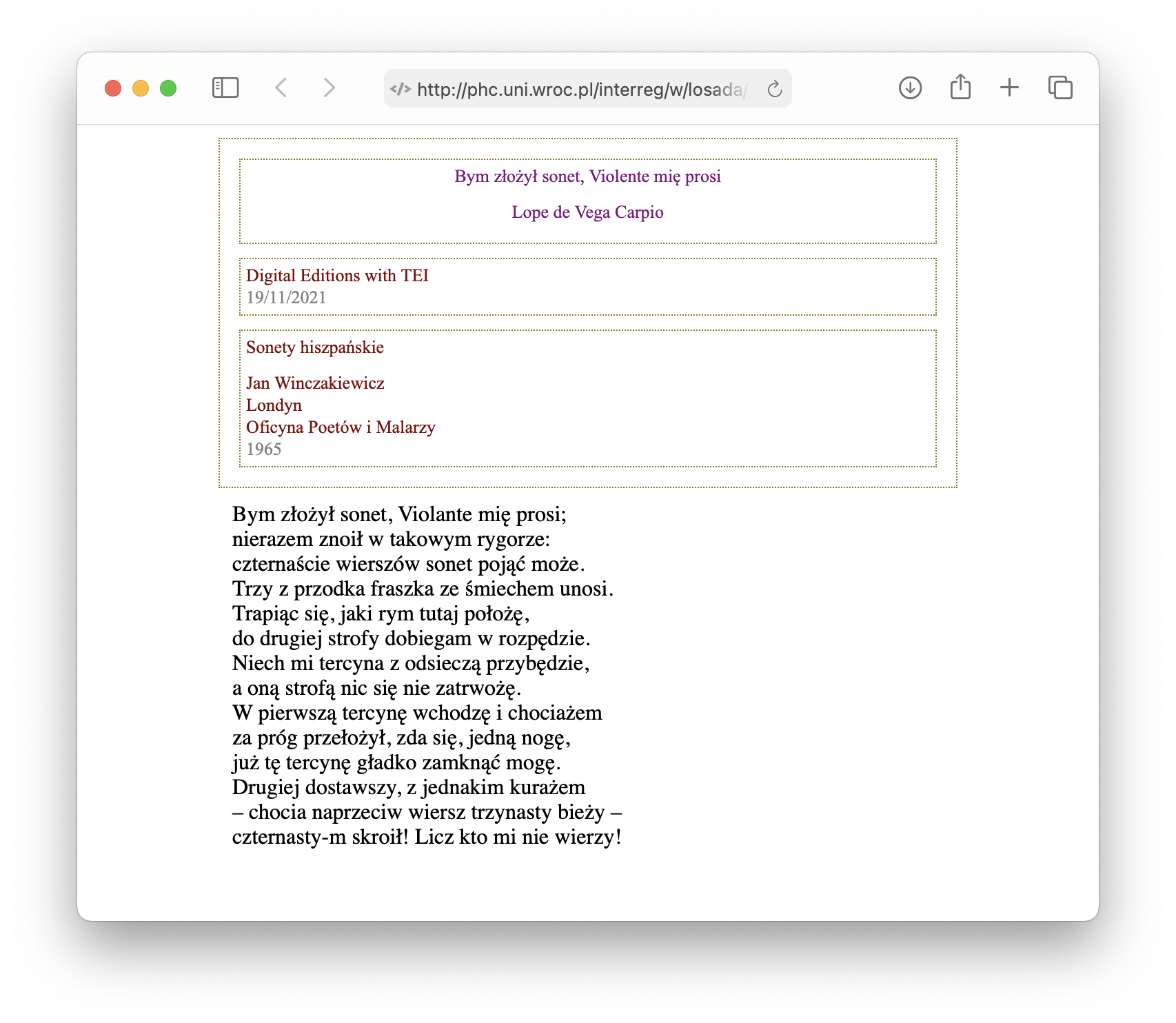
Familiar with CSS stylesheet? Open it in VSCode and play around with it.
TEI { width: 75%;
        margin: 0 auto;}

/* HEADER */

bibl title, editor, pubPlace, publisher, date, author {

    display: block;
    color: maroon;
    text-align: left;
}

fileDesc, titleStmt, publicationStmt, sourceDesc, profileDesc {
    color: gray;
  display: block;
  margin: 10px;
  border: 1px dotted olive ;
  font: 10pt "Times New Roman";
  padding: 4px;
}